Korea eSIM for Muslim Travelers: Data, Maps, Prayer Times and Transport
If you are arriving in Korea after a long flight, I would keep your first mobile-data decision simple: choose a Korea eSIM only after you know what you need it to do. Most visitors want a reliable connection for maps, messages, hotel details, transport, and current prayer times. Some also need Korean calls or texts. Those are different needs, so do not let a “best Korea eSIM” headline make the choice for you.
This is a practical Korea travel eSIM checklist for Muslim travelers. It is not a carrier ranking and it does not claim that one product is right for everyone. I will help you separate the questions that matter before your flight: Is your phone ready? Do you need data only or voice and SMS? When should you scan the QR code? And how will data help you move between your hotel, a mosque, a halal restaurant, and the next station?
Before you buy a Korea eSIM: data only or voice and SMS?
Start with the day you expect to have in Korea. If you mainly need Naver Map or another map service, messaging, booking confirmations, translation, and prayer-time tools, a data-only Korea eSIM may be enough. If you expect to call a restaurant, receive ordinary Korean SMS, or use services that specifically require voice or text, pause and check whether the plan includes them.
This is where travelers often make an expensive mistake: they see “data” and assume that calls, texts, or all verification messages are included. They are not always included. LG U+’s visitor eSIM page, for example, distinguishes data-only service from Data + Voice service and says that the data-only option has no outgoing calls or texts. SK Telecom also presents separate tourist eSIM options for data and for data with calls/SMS. Read the exact product description on the day you buy rather than relying on a comparison page written months earlier.
| If your day looks like this | Check this before purchase |
|---|---|
| Maps, hotel messages, prayer times, and transport | Data allowance or fair-use policy, network coverage, activation timing, and whether your phone is unlocked. |
| Calling a Korean number or receiving local texts | Whether voice/SMS is included, whether a top-up is needed, and whether a provider requires passport or identity checks. |
| Landing late or needing help at the airport | QR delivery method, official support route, and the current operating hours of any airport desk. |
| Sharing data with another device | Whether the exact plan permits hotspot use; do not assume that every visitor eSIM does. |
Check your phone before you pay
A Korea eSIM cannot make an unsupported phone compatible. Before you purchase, open your phone’s mobile-network settings and check that it supports eSIM. If the phone was bought through a mobile carrier, also check that it is unlocked for another network. LG U+ tells visitors to use an eSIM-capable, country-unlocked phone, and that is a useful minimum check even if you choose another seller.
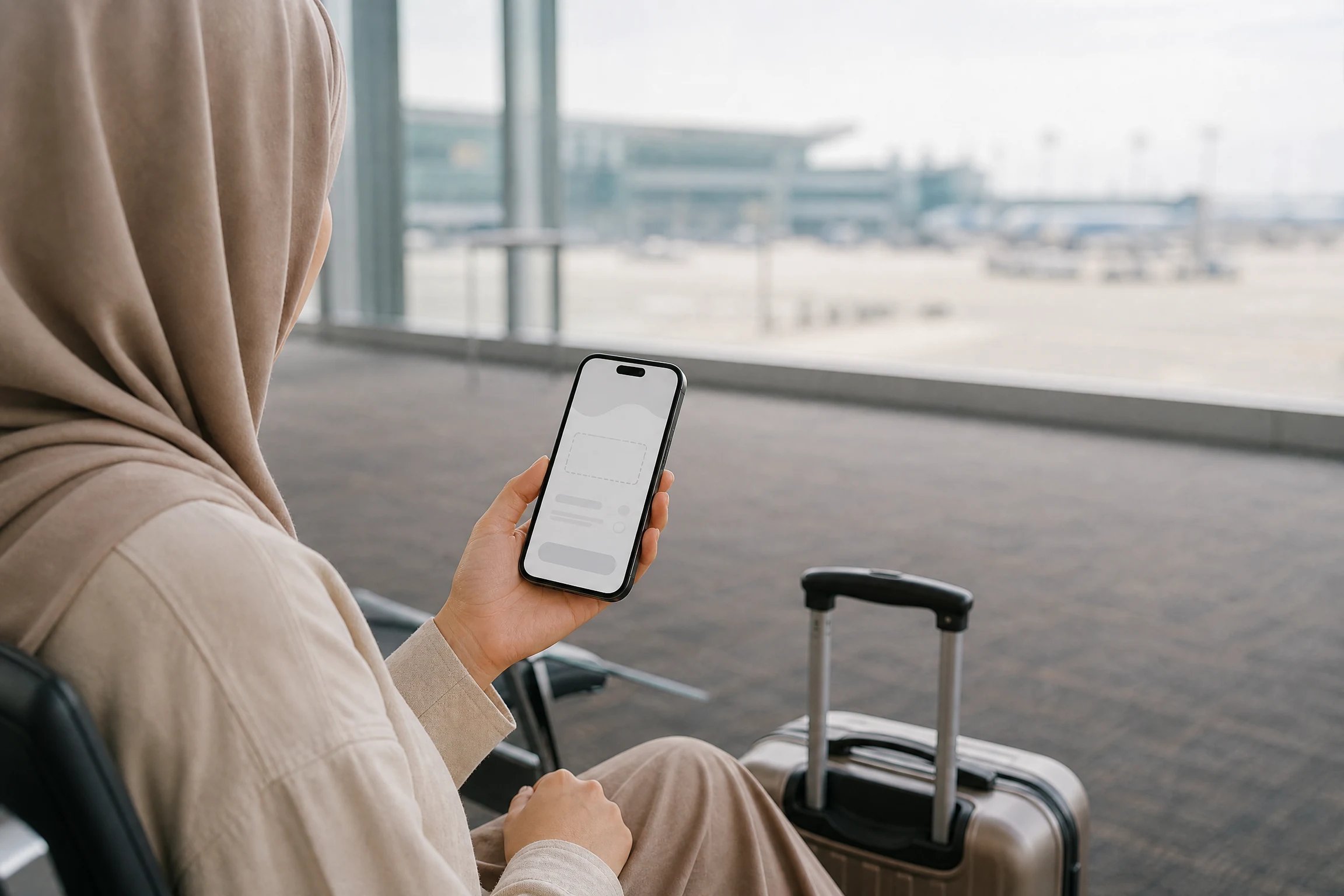
Here is the calm version of the setup routine. Save the order confirmation. Keep the provider’s official help page open. Use stable Wi-Fi or your existing connection while you install the new line. Do not erase your normal SIM just because the QR code has arrived. First make sure that the eSIM profile is installed, selected for mobile data when appropriate, and able to load a simple webpage.
How to set up a Korea eSIM without rushing at the airport
Many tourist eSIMs are delivered as a QR code or through an app. That is convenient, but it is still worth checking the timing. A purchase date, an installation date, and the moment when your data period begins can be different. The official LG U+ visitor page says that activation must occur within its stated validity window and warns that installed eSIMs cannot be reissued. Your own seller may have different rules, which is exactly why you should read its current instructions before scanning anything.
- Confirm that the phone is unlocked and supports eSIM.
- Decide whether data only or data plus voice/SMS matches your actual Korea itinerary.
- Save the confirmation email, order number, and official support contact.
- Install on a stable connection, following the seller’s live instructions rather than a screenshot from social media.
- After arriving, choose the new line for mobile data if that is the provider’s instruction, then test a map or a simple webpage.
- Keep an offline copy of your hotel address and a backup payment method in case setup takes longer than expected.
Use your travel eSIM for maps, prayer times, and transport planning
The useful part of a Korea eSIM is not just having a signal. It is being able to check the next decision before you leave. I would make a quick routine each morning: confirm the day’s prayer time, save the mosque or prayer-room address, check the nearest station, and verify restaurant or venue hours. On Fridays, public holidays, or a route you do not know well, leave extra time for a transfer or a changed entrance.
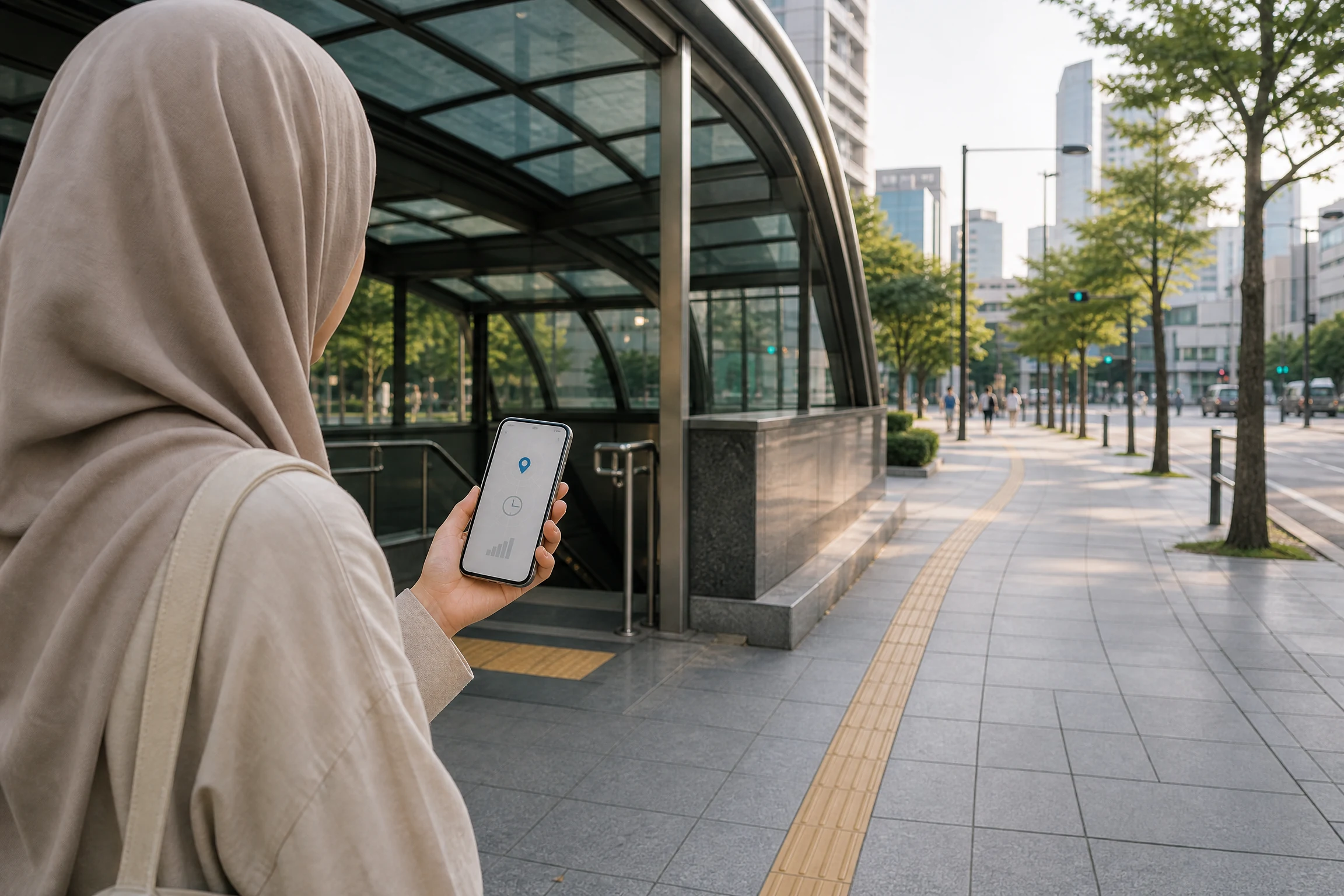
That same connection is helpful when you are checking a bus or train platform, using a translation tool, messaging accommodation, or working out your next T-money journey. Data will not guarantee that a place is open or that a prayer room is available, so use it to verify current information with the operator rather than to assume yesterday’s details still apply.
What to do when your Korea eSIM does not work
First, do not panic and do not immediately delete the eSIM profile. Check which mobile line is selected for data, whether the seller’s instructions require a particular roaming or network setting, and whether the device is actually connected to a supported network. Then use the seller’s official help page or support channel. If you bought a service with airport help, confirm the current counter location and hours before going there; KT’s visitor service page lists support locations at Incheon, Gimpo, and Gimhae, but hours and services can change.
| Situation | A sensible next step |
|---|---|
| The QR code will not install | Use stable Wi-Fi, review the official instructions, and contact the seller before removing an installed profile. |
| Installation finished but data is not working | Check the selected data line and the provider’s current network-setting guidance; then test one simple webpage. |
| You need local calls or SMS | Verify the exact plan’s voice/SMS conditions before buying. A data-only eSIM may not provide them. |
| You need help just after landing | Use the carrier or seller’s official support route, and check any airport counter’s live opening hours first. |
Last reviewed: 2026-08-28. Plans, pricing, activation rules, visitor eligibility, and airport support can change. Treat this article as a decision guide and confirm the final terms directly with the provider you choose.
Plan your connected day in Korea
Once your phone is ready, use this practical T-money guide to plan public-transport travel in Korea.
Before you leave for a mosque or restaurant, check today’s Seoul prayer times and allow time for transfers.
Official sources
Explore Korea by topic
Choose a focused next step for Korea travel, halal food, prayer planning, or transport.
Explore more published guides
Keep planning with more published Muslim travel guides. New cards appear as you reach the end, or choose to load the next set.
 Halal talkAlbany Airport Interfaith Prayer Room: Muslim Traveler GuideRepresentative image: Interior of Albany International Airport terminal. It does not show the Interfaith Prayer Room. Photo by…Open guide
 Halal talkLangkawi International Airport Prayer Rooms (LGK): Surau, Parking & GuideLangkawi International Airport (LGK) officially provides Muslim Prayer Rooms in the Public Concourse and Domestic Departure Hall. The…Open guide
 Halal talkBrisbane Airport Prayer Rooms: Muslim Traveler GuideRepresentative image: Brisbane Airport Domestic Terminal. It does not show the Prayer Room. Photo by King Eliot, CC0…Open guide
 Halal talkKuching International Airport Prayer Rooms (KCH): Levels 1–3, Parking & GuideKuching International Airport (KCH) officially provides Muslim Prayer Rooms at Level 1 East and West Wing, Level 2…Open guide
 Halal talkNarita Airport Prayer Rooms: Muslim Traveler GuideRepresentative image: Narita International Airport Terminal 2 departure lobby. It does not show a Prayer Room. Photo by…Open guide
 Halal talkKota Kinabalu International Airport Prayer Rooms (BKI): Gates 2 & 9, Parking & GuideKota Kinabalu International Airport (BKI) officially provides Muslim Prayer Rooms at Level 1 Public Concourse, Level 2 Departure…Open guide
 Halal talkDenver Airport Interfaith Chapel and Masjid: Muslim Prayer GuideRepresentative image: Jeppesen Terminal at Denver International Airport. It does not show the Interfaith Chapel or Masjid. Photo…Open guide
 Halal talkPenang International Airport Prayer Rooms (PEN): Surau, Parking & Arrival GuidePenang International Airport (PEN) officially provides Muslim Prayer Rooms in Domestic Departure, International Departure, the VIP Room and…Open guide
 Halal talkPhoenix Sky Harbor Compassion Corner Chapel: Muslim Prayer GuideRepresentative image: Phoenix Sky Harbor International Airport Terminal 4. It does not show the Compassion Corner Chapel. Photo…Open guide